AI Swimsuit Changer: Turn Outfit Photos into Swimwear
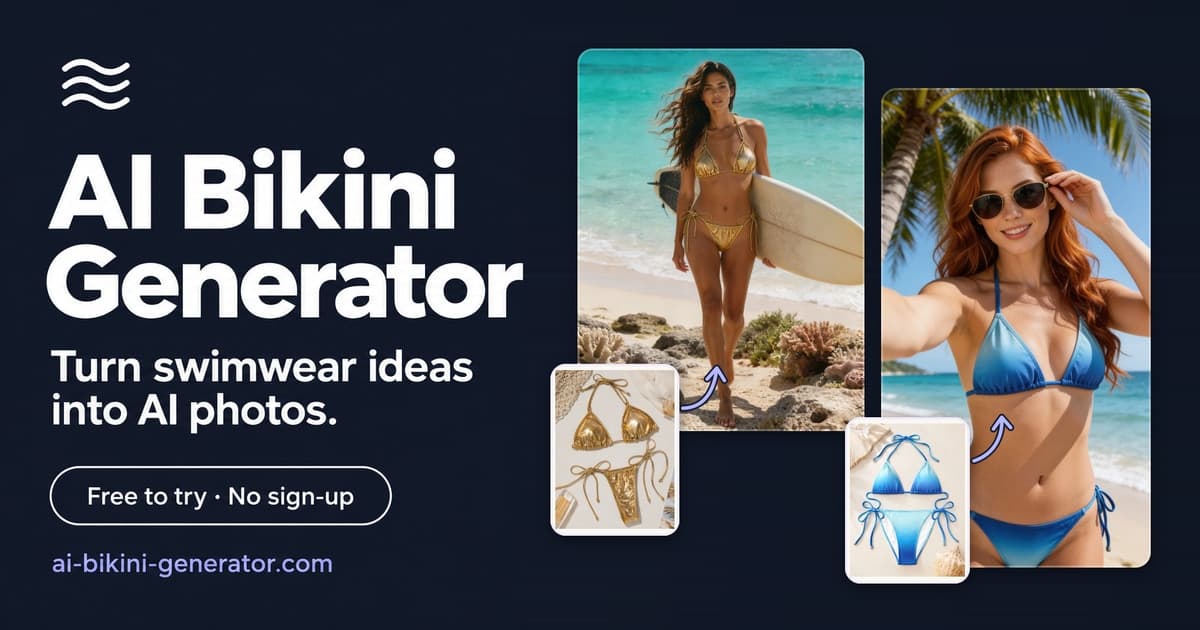
An AI swimsuit changer helps you turn an existing outfit photo into a realistic swimwear concept without setting up a new shoot. Instead of starting from a blank image, you can upload an authorized adult photo, choose or describe a swimsuit style, and generate a beach, pool, resort, or studio-ready look while keeping the original pose and overall photo context.
AI Bikini Generator is built for this specific workflow: adult, consent-first swimwear image creation from prompts, person references, bikini references, scenes, and poses. Use it to explore one-piece swimsuits, high-waisted bikinis, sporty swimwear, resort looks, and catalog-style concepts before planning content, shopping, or a photoshoot.
What Is an AI Swimsuit Changer?
An AI swimsuit changer is an image editing tool that replaces the visible outfit in a photo with swimwear. The goal is to edit the clothing layer while preserving the parts of the image that should not change, such as the face, pose, body proportions, lighting, background, and camera angle.
This is different from a basic text-to-image generator. A regular image generator may create a new person, a new face, or a completely different body shape. A swimsuit changer works better when you want the result to feel connected to the source photo: the same stance, the same setting, and a swimwear design that fits the original composition.
For best results, use a clear adult photo where the outfit area is visible and not heavily blocked by arms, bags, hair, or props.
How to Turn an Outfit Photo into Swimwear
You do not need advanced photo editing skills to use an AI swimsuit changer. The workflow is usually simple: provide the source image, choose the swimwear direction, then refine the result until the style looks right.
1. Upload an Authorized Adult Photo
Start with a photo you own or have clear permission to use. Full-body and three-quarter photos usually work best because the AI has enough visual information to understand the outfit, pose, and body line.
Good source photos usually have:
- Clear lighting on the torso and waist
- A natural standing or seated pose
- Minimal obstruction over the clothing
- A visible face if identity preservation matters
- A background you want to keep
Avoid photos where the subject is a minor, appears underage, or did not consent to this kind of edit.
2. Choose or Describe the Swimsuit
Next, describe the swimwear style. Be specific enough for the AI to understand the cut, color, coverage, and mood.
Good prompt examples:
- "Change the outfit to a black one-piece swimsuit, realistic fabric, natural lighting, keep the original pose and background."
- "Turn the outfit into a red high-waisted bikini with a simple top, beach vacation style, realistic shadows."
- "Create a sporty navy swimsuit, modest coverage, clean studio fashion look, preserve the original body proportions."
- "Replace the dress with a white resort swimwear look, soft daylight, natural fit, no change to face or hair."
If the tool supports reference images, upload a bikini or swimsuit reference to guide the design. This is useful when you want a specific neckline, strap shape, pattern, or color palette.
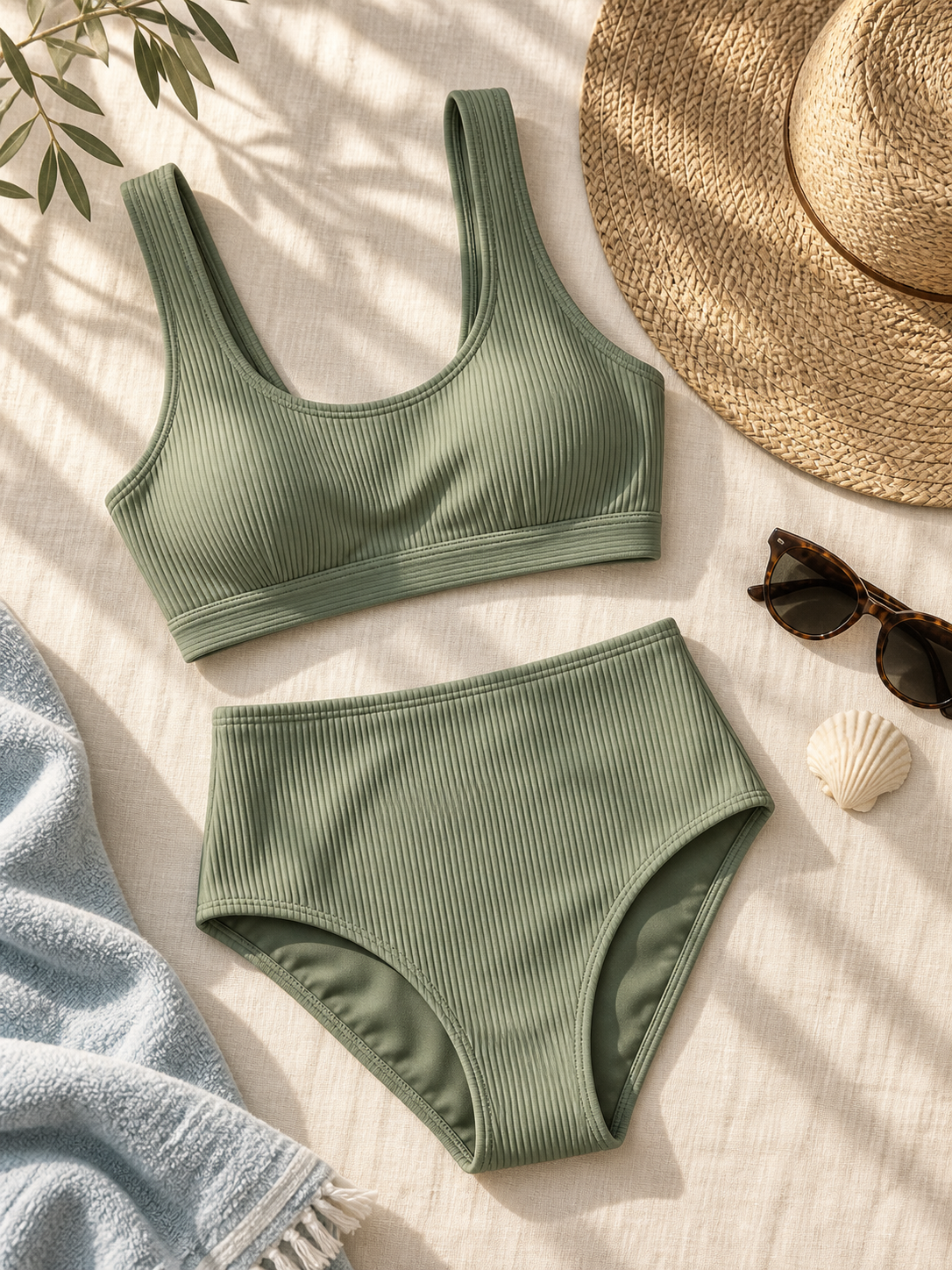
A clean swimsuit reference image can help guide color, fabric texture, coverage, and overall style.
3. Keep the Edit Focused on Swimwear
The most reliable prompts are direct. Ask for the outfit change, then tell the AI what should stay stable.
Use phrases like:
- "keep the same face"
- "preserve the original pose"
- "match the original lighting"
- "keep the same background"
- "realistic swimwear fabric"
- "natural fit around shoulders, waist, and hips"
Avoid adding too many unrelated changes in one prompt. If you ask for a new location, new hairstyle, new body shape, new camera angle, and new swimsuit at the same time, the output is more likely to drift away from the original photo.
4. Generate, Review, and Refine
After generation, check the areas where outfit edits are most likely to need refinement:
- Straps around shoulders and neck
- Edges around the waist and hips
- Hands, arms, and hair crossing the outfit
- Fabric shadows and highlights
- Skin tone consistency
- Background continuity
If the swimsuit style is close but not exact, refine the prompt instead of starting over. Change one or two details at a time, such as color, coverage, neckline, or pattern.
Best Swimsuit Styles to Try
An AI swimsuit changer works well for exploring different swimwear ideas before buying, styling, or planning a shoot. The best style depends on the photo, pose, and use case.
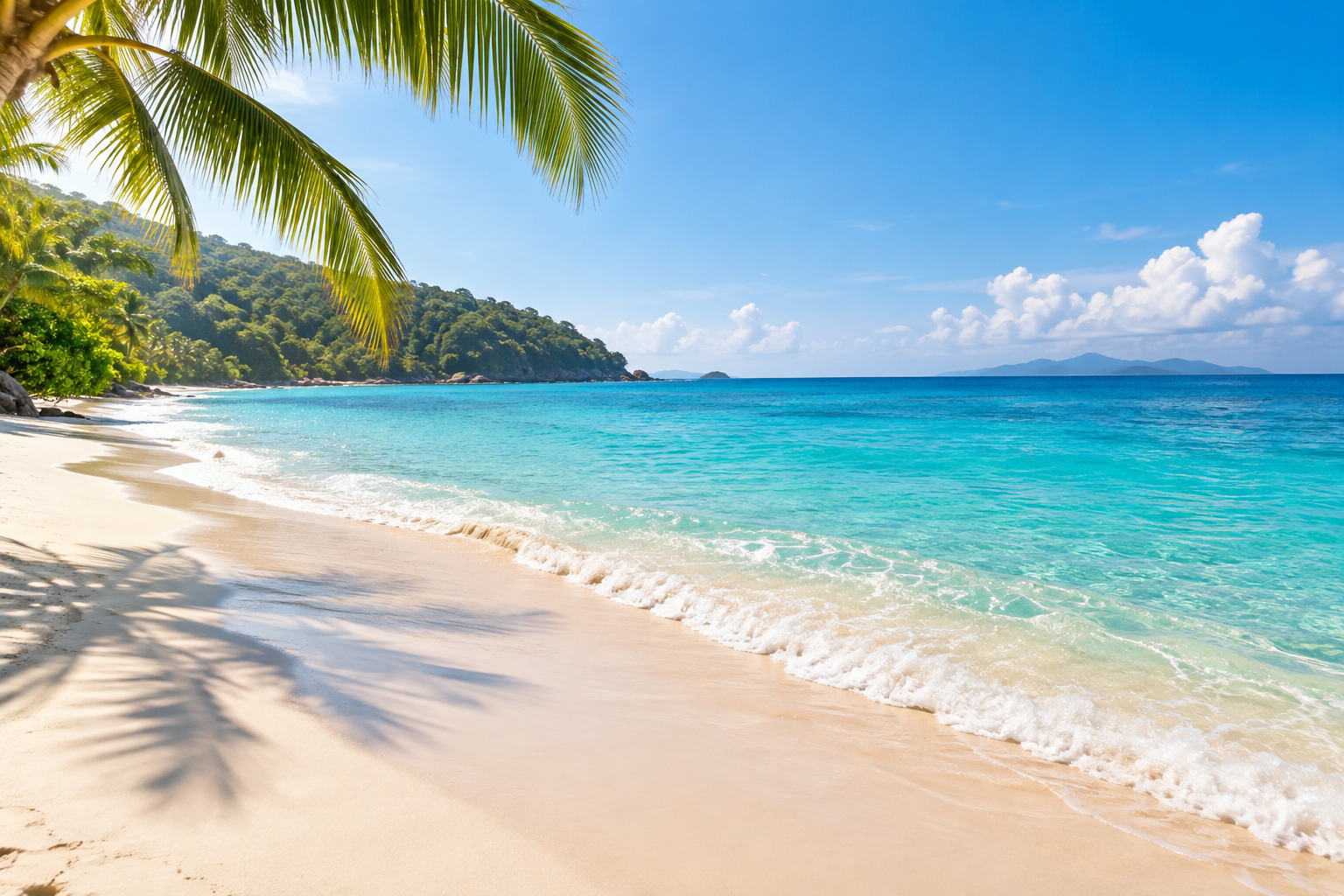
Scene references help the final swimwear image match the right lighting, background, and vacation mood.
One-Piece Swimsuit
A one-piece swimsuit is often the easiest style to generate realistically because it has a clear silhouette and fewer separate edges. It works well for fashion portraits, resort concepts, and clean editorial images.
Prompt idea:
Change the outfit to a minimalist black one-piece swimsuit, realistic fabric, natural daylight, preserve the original face, pose, and background.
High-Waisted Bikini
A high-waisted bikini gives a retro or polished resort look. It is useful for beach content, vacation moodboards, and swimwear shopping previews.
Prompt idea:
Turn the outfit into a red high-waisted bikini with a simple structured top, natural beach lighting, realistic fit, keep the original pose and proportions.
Sporty Swimsuit
Sporty swimwear works well for active poses, pool scenes, and athletic styling. Use terms like "racerback," "high-neck," "navy," "zip-front," or "performance swimwear" if you want a specific direction.
Prompt idea:
Replace the outfit with a sporty navy high-neck swimsuit, realistic seams, natural shadows, keep the same face and background.
Resort Swimwear
Resort swimwear can include softer colors, wrap details, textured fabric, or a more styled vacation look. This works especially well when the original photo already has warm lighting or a travel setting.
Prompt idea:
Create an elegant white resort swimsuit look, soft fabric texture, natural sunlight, keep the original hair, face, pose, and environment.
What Makes a Good AI Swimsuit Changer?
A good AI swimsuit changer is not just about making a swimsuit appear in the image. The edit needs to look like it belongs in the original photo.
Look for these qualities:
- Identity preservation: The face, expression, hair, and overall likeness should remain consistent.
- Body proportion stability: The result should not slim, stretch, or reshape the person in an unrealistic way.
- Natural fabric fit: Straps, waistbands, and edges should align with the pose.
- Lighting match: The swimsuit should follow the photo's existing highlights, shadows, and color temperature.
- Background preservation: The environment should stay coherent unless you intentionally ask to change it.
- Safety boundaries: The tool should support adult, authorized, non-explicit swimwear use rather than unsafe or non-consensual edits.
AI Bikini Generator focuses on reference-guided swimwear concepts rather than generic image editing. That makes it useful when your goal is a fashion-oriented bikini or swimsuit preview, not a random AI portrait.
AI Swimsuit Changer vs. Generic AI Editors
Generic AI editors can replace objects, remove backgrounds, or repaint sections of a photo. They can be flexible, but they often require more prompting and more manual correction for fashion edits.
| Feature | AI Swimsuit Changer | Generic AI Editor | Manual Editing |
|---|---|---|---|
| Designed for swimwear edits | Yes | Usually no | Depends on editor skill |
| Prompt-based swimsuit styles | Yes | Sometimes | No |
| Person and pose preservation | Designed for it | Inconsistent | Strong if done manually |
| Lighting and fabric realism | AI-assisted | Varies | Strong if done manually |
| Fast for multiple style tests | Yes | Medium | Slow |
| Best for | Swimwear concepts and try-on previews | Broad image edits | High-control professional retouching |
If you need a polished campaign image for publication, you may still want human review or professional retouching. If you want fast creative exploration, shopping previews, moodboards, or social content drafts, an AI swimsuit changer is usually much faster.
Practical Use Cases
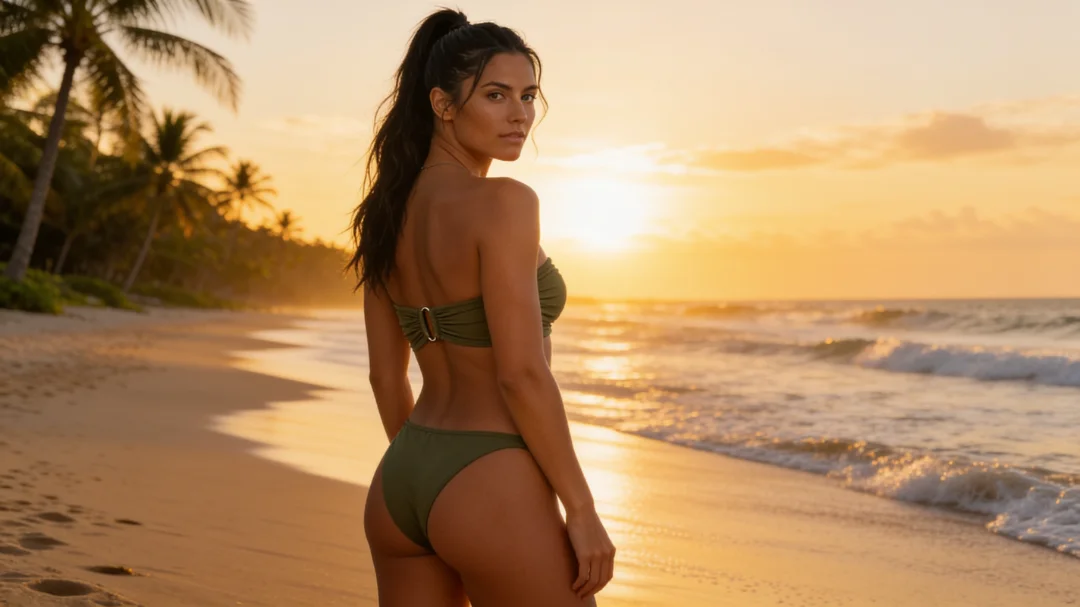
Generated swimwear concepts are useful for comparing scene direction, color mood, and pose before a real shoot.
Swimwear Shopping Preview
Use an AI swimsuit changer to see how different swimsuit cuts may feel on your body type before buying. The output is not a perfect sizing tool, but it can help compare visual direction: sporty, minimal, retro, high-waisted, one-piece, or resort-inspired.
Beach and Vacation Content Planning
Creators can test swimwear looks before packing or shooting. This is useful when planning color palettes, locations, poses, and feed style.
Fashion Moodboards
Designers and stylists can turn rough swimwear ideas into visual references. Instead of describing a concept only in words, they can generate a few image directions and compare silhouettes, colors, and scenes.
Photoshoot Previsualization
Photographers and art directors can preview swimwear styling before a real shoot. This can help align the model, stylist, client, and creative team around the same visual direction.
Tips for More Realistic Swimwear Results
The best AI swimsuit edits usually come from simple source photos and specific prompts.
Use these tips:
- Pick photos where the outfit is visible and not covered.
- Keep the original background unless you need a new scene.
- Describe swimsuit coverage clearly.
- Ask for realistic fabric and natural shadows.
- Avoid conflicting style words like "minimalist, ornate, sporty, luxury, retro" all in one prompt.
- Generate several versions before choosing the best one.
- Review the final image closely before using it publicly.
Small prompt changes can make a large difference. If the result looks too stylized, add "realistic photo" and "natural lighting." If the fit looks strange, simplify the swimsuit style and remove extra accessories.
Responsible Use Matters
AI swimsuit editing should be used with care. Only upload adult photos that you own or have permission to edit. Do not use AI swimsuit changers on minors, people who did not consent, private images, or images intended to embarrass, harass, or mislead someone.
For public sharing, be transparent when appropriate and check the final output for realism, accuracy, and context. AI-generated swimwear images are creative previews, not proof that someone wore a specific outfit.
Try an AI Swimsuit Changer Online
AI Bikini Generator helps you create swimwear concepts from prompts, authorized adult person references, bikini references, scenes, poses, and aspect ratios. You can start from a built-in model or upload permitted references, then generate a realistic bikini or swimsuit image for moodboards, shopping inspiration, content drafts, or shoot planning.
Start with a clear photo, choose a swimwear direction, and keep your prompt focused. The more specific your style request is, the easier it is for the AI to create a natural-looking result.
FAQ
Can AI change clothes into a swimsuit?
Yes. An AI swimsuit changer can edit an outfit photo and generate a swimsuit look based on your prompt or reference image. The best results come from clear adult photos with visible clothing and simple poses.
Will an AI swimsuit changer keep the same face?
Good tools are designed to preserve the original face, expression, pose, and background. However, AI results can vary, so you should always review the output carefully before using or sharing it.
Can I turn a dress into a bikini with AI?
Yes, if the source photo is clear enough. Dresses, casual outfits, workout clothes, and resort outfits can often be changed into bikini or swimsuit concepts. Heavily layered clothing or blocked body areas may be less reliable.
What kind of photo works best?
A full-body or three-quarter adult photo with good lighting, visible outfit details, and minimal obstruction works best. Avoid blurry photos, extreme camera angles, crossed arms, or props covering the torso.
Can I upload a specific swimsuit reference?
If the tool supports reference images, you can upload a swimsuit or bikini reference to guide the design. This is helpful when you want a specific color, cut, strap style, or pattern.
Is AI Bikini Generator free?
Eligible verified accounts may receive trial credits. Continued use may require memberships or one-time credit packs, depending on the current plan options.
Is this only for adult photos?
Yes. AI Bikini Generator is intended for authorized adult swimwear imagery. Do not upload photos of minors, people who appear underage, or anyone who has not consented to this type of edit.
Conclusion
An AI swimsuit changer is a practical way to turn outfit photos into swimwear concepts for shopping previews, creator content, fashion moodboards, and photoshoot planning. The best results come from clear authorized adult photos, specific swimsuit prompts, and careful review of the final image.
If you want a focused swimwear workflow rather than a generic image editor, AI Bikini Generator gives you a direct way to create bikini and swimsuit images from prompts and references.